

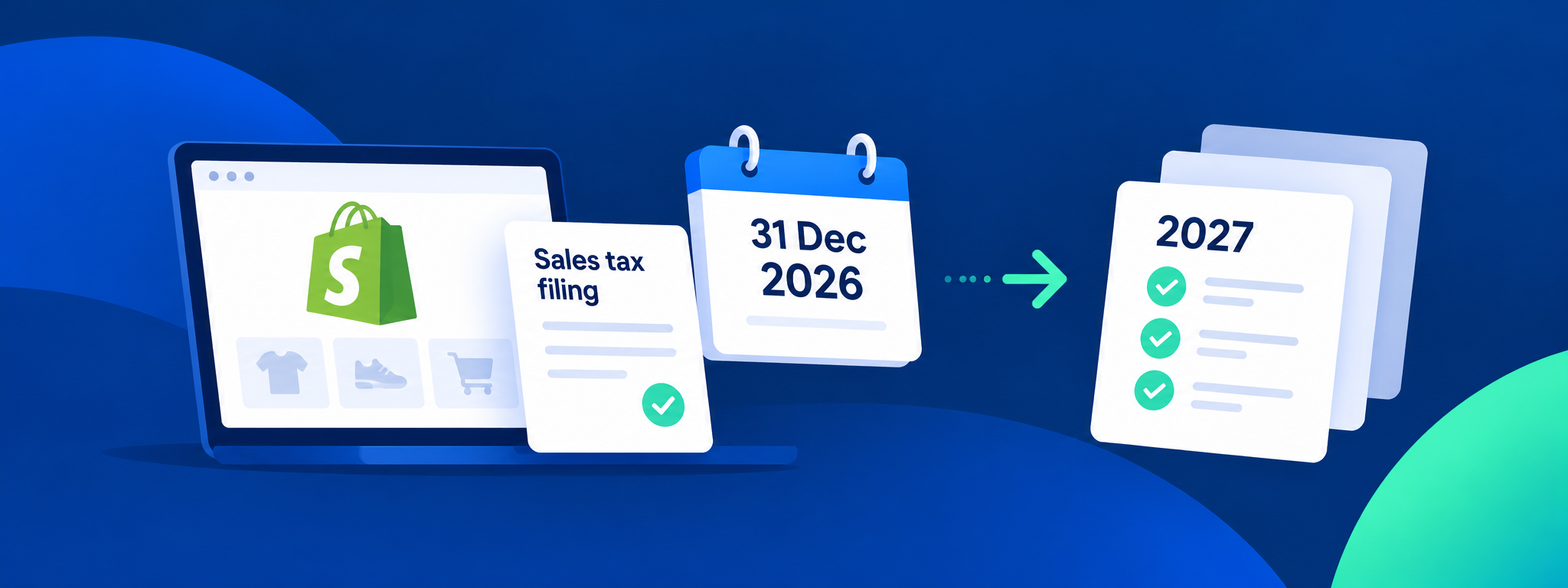
Shopify automated filing is ending. Here’s what to do before 2027
Shopify is ending automated sales tax filing for merchants currently using the service.
Automated filing will cover eligible returns for sales made through 31 December 2026. After your final automated return, you’ll need to file directly with each state or move to another filing provider.
Shopify Tax will continue to calculate sales tax and keep your tax reports current. The change is the filing process that follows.
If you currently rely on Shopify automated filing, now is the time to plan the handover.
This guide covers how to identify your final Shopify return, keep the records you’ll need, choose how your next return will be filed, and prepare for the transition.
When will Shopify file your final return?
Your final automated return depends on your filing frequency.
For monthly filers, the final return covers December 2026.
For most quarterly filers, it covers October to December 2026.
New York quarterly filers are the exception, with Shopify filing the December 2026 to February 2027 quarter.
For semi-annual filers, the final return covers July to December 2026. Pennsylvania has a February 2027 filing deadline for that period.
Annual filers will have their 2026 return filed through automated filing.
The exact filing deadline depends on the state.
The first job is to establish the handover point: which return Shopify will file last, and which return needs to be handled next?
1. Check which return Shopify will file last
Start with your current filing schedule in each state.
Your next filing process should begin with the return immediately after Shopify’s final automated filing.
This makes it clear which service is responsible for each return and helps prevent duplicate or missed filings.
Shopify says merchants already using automated filing do not need to switch the service off manually. Automated filing ends after the final eligible return has been filed.
2. Download your Shopify filing records
Keep copies of your previous automated filing reports.
Shopify says those records will remain available to download until 30 April 2027.
Your previous returns give your next filing provider a clear view of your filing history and help establish where the handover should begin.
Download and retain the records before the deadline, even if you have not yet chosen your next filing route.
3. Decide how your next return will be filed
After automated filing ends, Shopify gives merchants several options.
You can file directly with each state using your Shopify Tax reports. You can work with a tax professional. You can also move your sales tax return filing to another provider.
Shopify currently highlights Numeral and Zamp as filing partners, although merchants can choose another provider.
Can you file the returns yourself?
Yes. Shopify Tax will continue to calculate sales tax and keep your tax reports current, and you can use those reports to file directly with each state.
The practical question is how much filing work you want to manage internally.
If you file in several states, have different filing frequencies, or also need help with registrations, state notices or historic returns, a managed filing service may be the more practical option.
Compare sales tax registrations, state notices, filing-frequency changes, historic returns and ongoing support alongside the return filing.
If your business is growing, you should also review where you have nexus, meaning the connection with a state that can create a sales tax obligation.
Allow time for authorisation
Set up your replacement filing service before the first return is due.
Shopify says some states require a power of attorney or login credentials before a filing service can file on your behalf. Your provider should tell you what is required for each state.
Build those authorisation requirements into the handover plan before the first replacement return is due.
4. Give your provider a complete view of your sales channels
If you sell exclusively through one Shopify store, your transaction picture may be relatively straightforward.
Shopify says automated filing only covered sales made through Shopify where you were the merchant of record. Review other channels separately as part of the handover.
If you also sell through Amazon, Walmart, Etsy, wholesale channels or physical locations, give your filing provider a complete view of your sales channels.
The treatment of marketplace sales varies by state, including where marketplace facilitator rules apply.
Review those transactions during setup so your provider has the information needed to prepare returns and assess nexus.
This is also a useful point to reassess whether your nexus position has changed since you first enrolled in Shopify automated filing.
5. Include Shopify POS in the handover
If you use Shopify POS, your in-person sales are recorded in Shopify and can form part of the transaction data used for filing.
Shopify Tax can continue handling sales tax calculation within Shopify.
Your filing provider can then use the relevant Shopify transaction data when preparing the returns that follow Shopify’s final automated filing.
What happens if Shopify doesn’t file your final return?
Check the status of your final automated filings as part of the handover.
Shopify says that if a return is skipped, or an unresolved issue prevents it from being filed, its status changes to Not filed.
If that happens, download the return report and arrange for the return to be filed separately.
Also make a record of any other known missed or late returns before moving providers. That gives the new provider a clear starting point and makes it easier to establish what still needs to be filed.
Shopify Tax is continuing
Shopify Tax will continue after automated filing ends.
It can continue calculating sales tax on your Shopify transactions and keeping your tax reports current.
For merchants already using Shopify Tax, the transition is focused on who manages the returns and the wider compliance work after Shopify’s final automated filing.
Moving your Shopify sales tax filing to Yonda
Yonda can take over from the return that follows Shopify’s final automated filing.
Connect Shopify so Yonda can use your transaction data for filing. We use Shopify’s final automated return to establish the handover point, then begin with the next return that needs to be managed.
Yonda can also support registrations, nexus analysis and ongoing filing as your obligations change.
For merchants moving from Shopify automated filing, Yonda is currently offering three months free, with back-filings included at no extra cost where returns have been missed.
Start by identifying the final return Shopify will file and the first return Yonda needs to manage.